- Switch to a Compatible Theme: Temporarily activate a default theme like Hello Elementor under Appearance > Themes. If the error disappears, your previous theme template lacks the required
the_content()function call.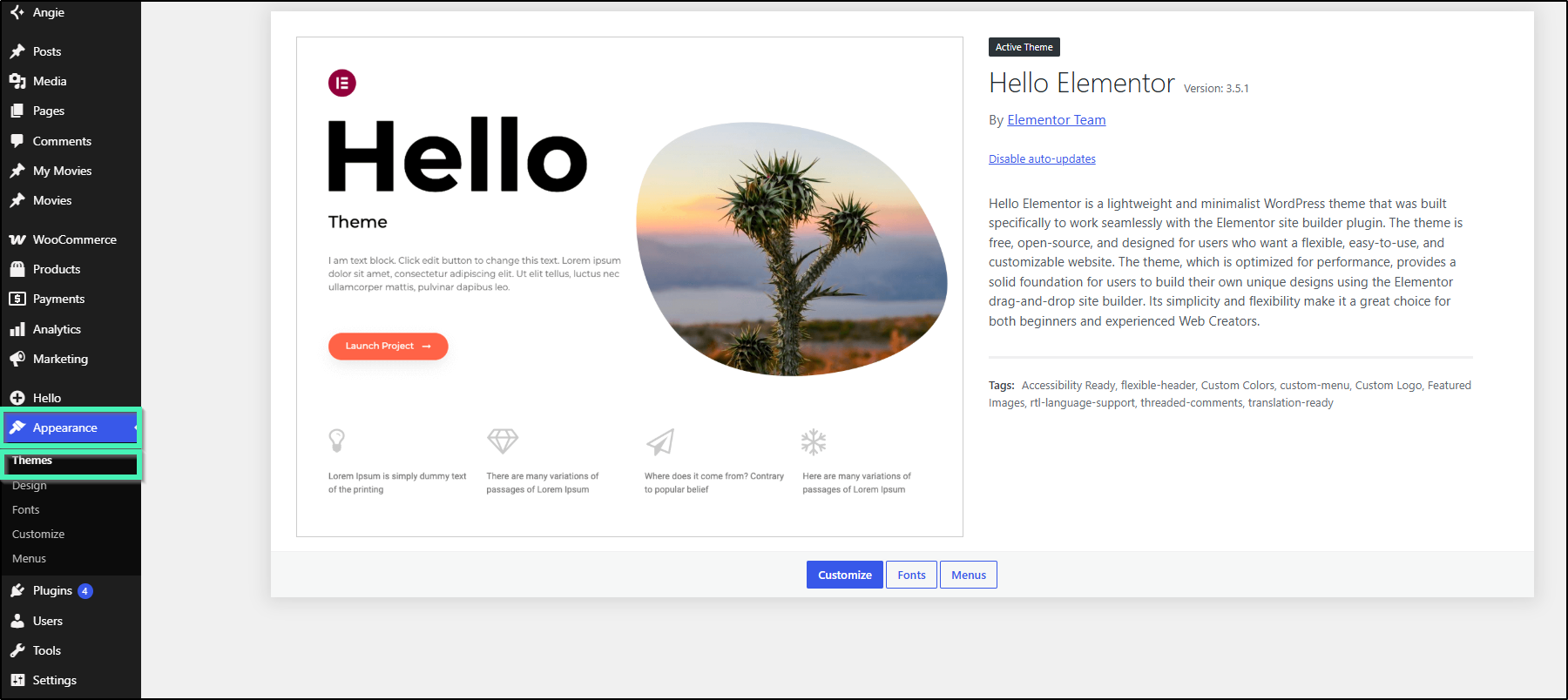
- Create a Test Page: Go to Pages > Add New Page, enter a title, click Publish, and then select Edit with Elementor. If the test page loads without issue, the original page layout or post ID has been corrupted.
If you are already using the same slug name for a post category or product category and then assigning the same name to a page, the permalink confusion can cause this error to occur. For example, if you have a category with a slug of “sports”, do not use “sports” as the slug for your page. - Isolate Third-Party Plugin Conflicts: Deactivate all plugins except Elementor and Elementor Pro. Try opening the editor again; if it works, reactivate remaining plugins one by one to pinpoint the extension causing the issue.